
Runs on Apple MLX, fully on-device
Private AI, locally.
Private AI for Mac, iPhone, and iPad - powered by Apple's MLX framework. All data stays private and secure through local processing on-device. Free and built for privacy.
Free. No account. iOS 18+, macOS 14+.
On-device
Prompts, replies and history never leave the device.
Apple MLX
Models run on Apple silicon through MLX.
Open-weight models
Qwen 3.5 and 3.6, Gemma 4 and others in the model list.
Free
No account, no telemetry, no analytics.
One engine, three memory budgets
Enigmus runs the same MLX engine on iPhone, iPad and Mac. What changes is how much memory a model can take: the model list accepts a model when its weights fit in about two-thirds of the device's RAM, leaving the rest to the system and to the KV cache that grows with each conversation.
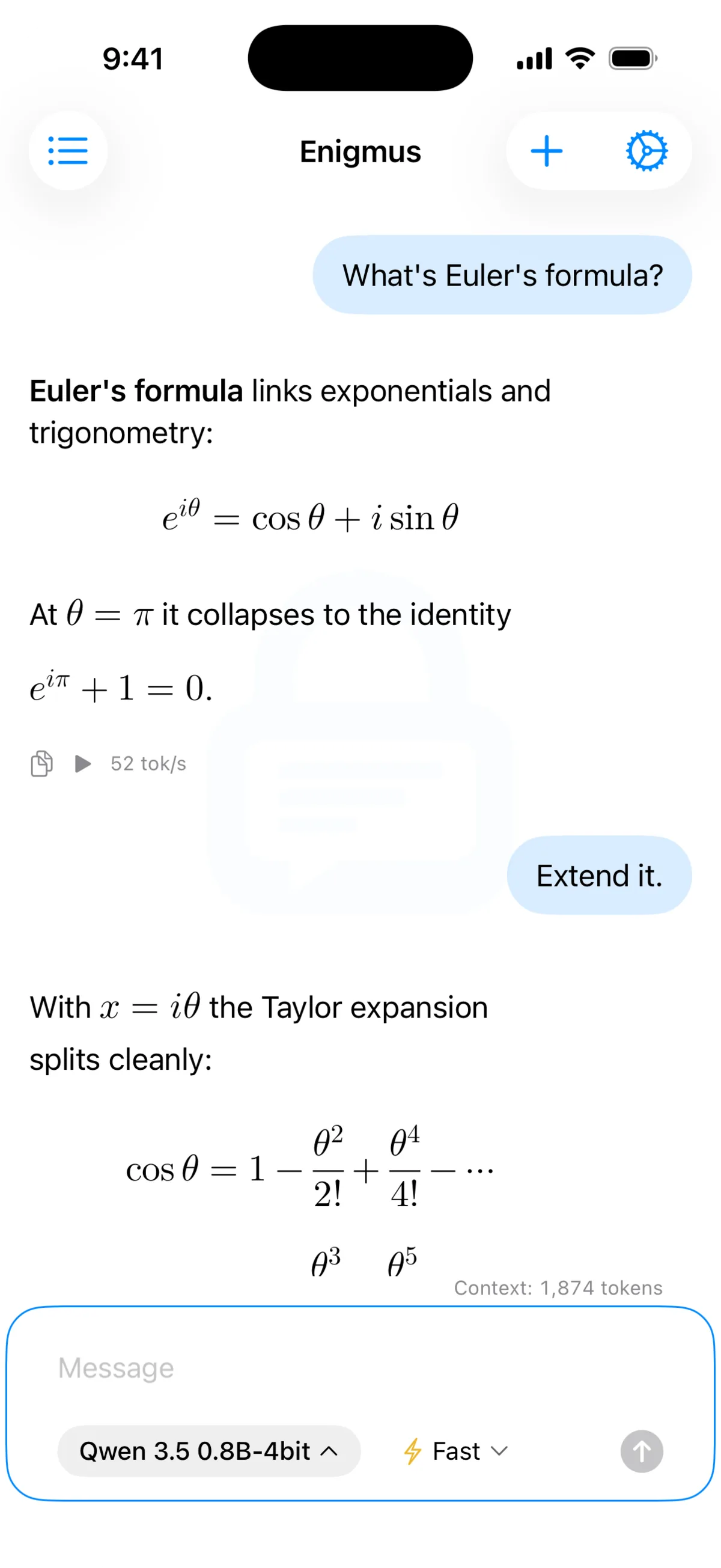
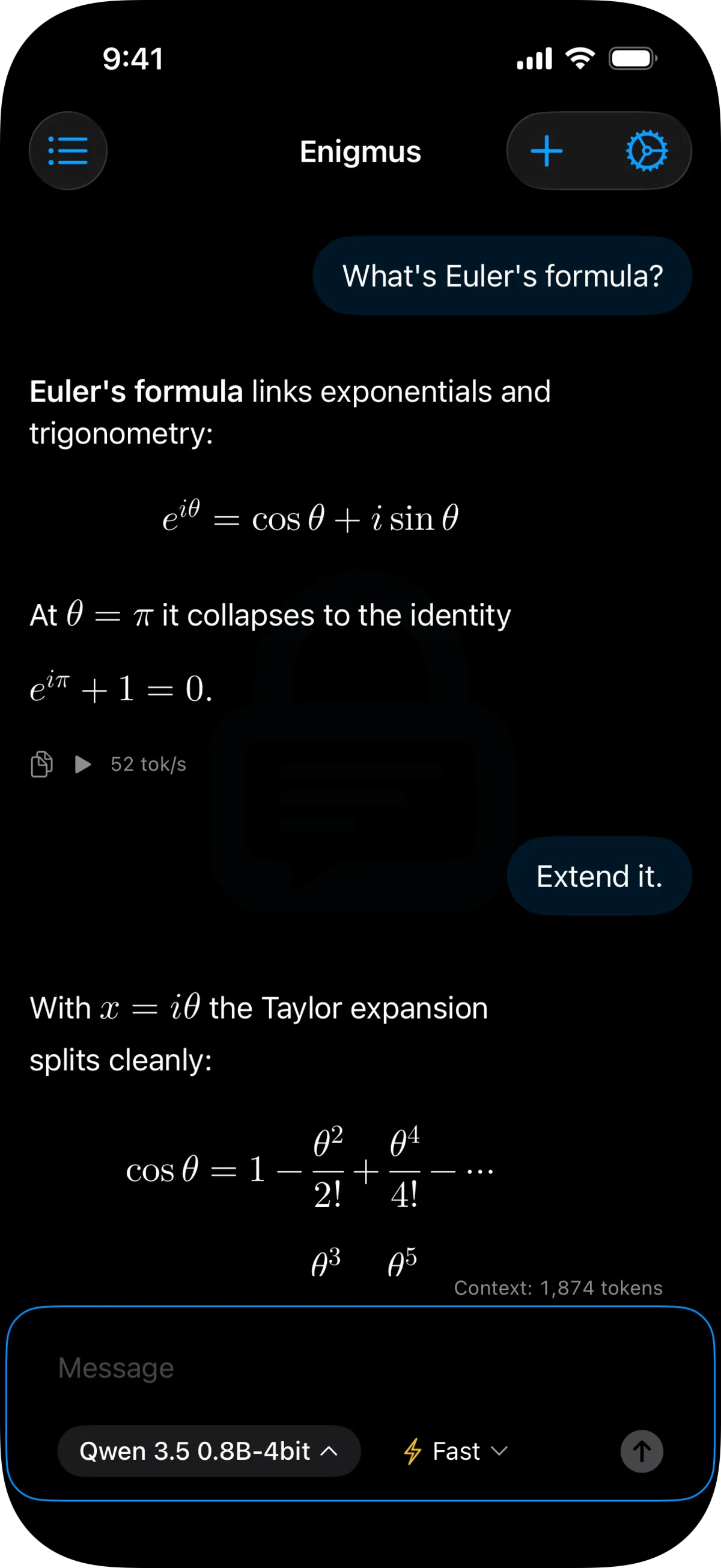
iPhone
iPhone 13 or newer- RAM
- 4-12 GB
- Model budget
- 1.7-8 GB
- Largest model
- Gemma 4 E4B on a 12 GB device
New chats start in fast mode. At phone decode speeds a reasoning preamble would be most of the wait for a first reply, so thinking is one tap away instead of the default.
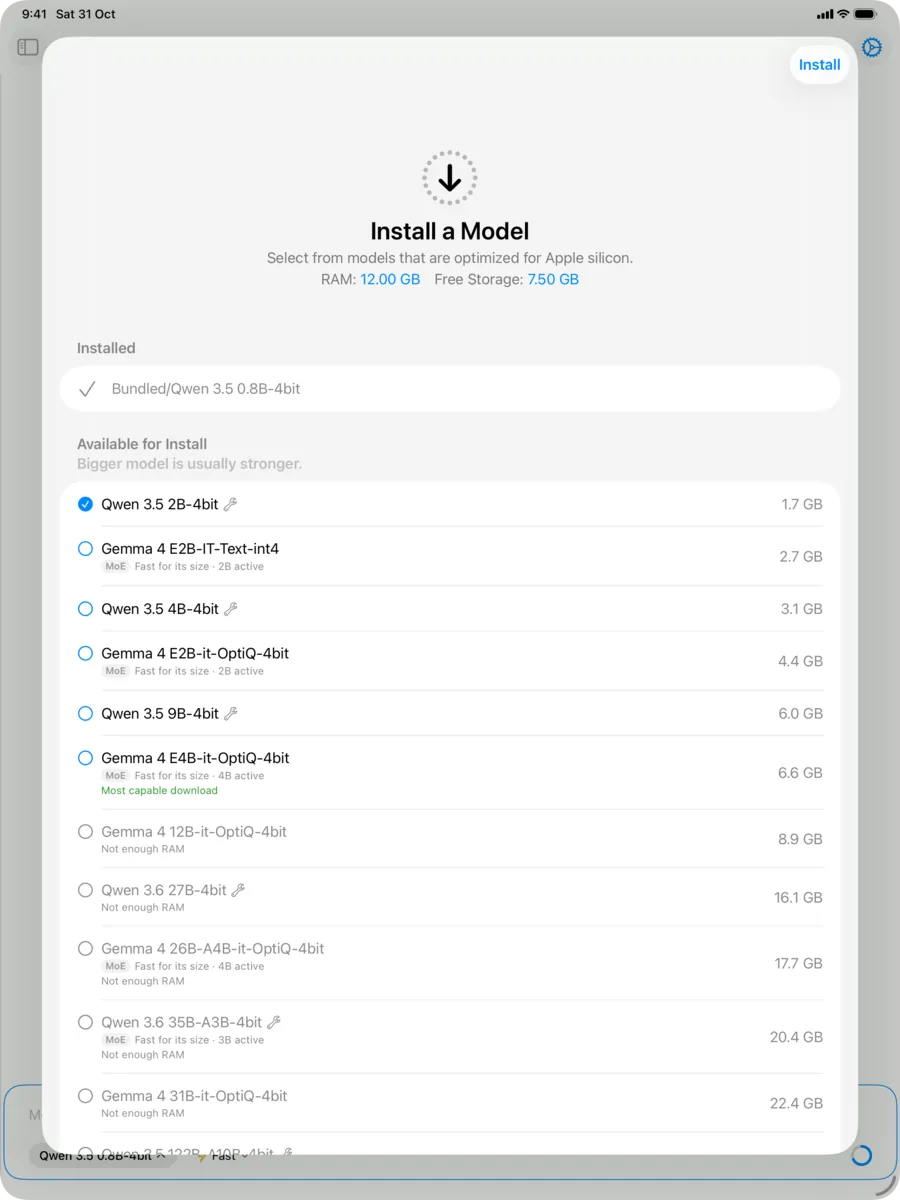
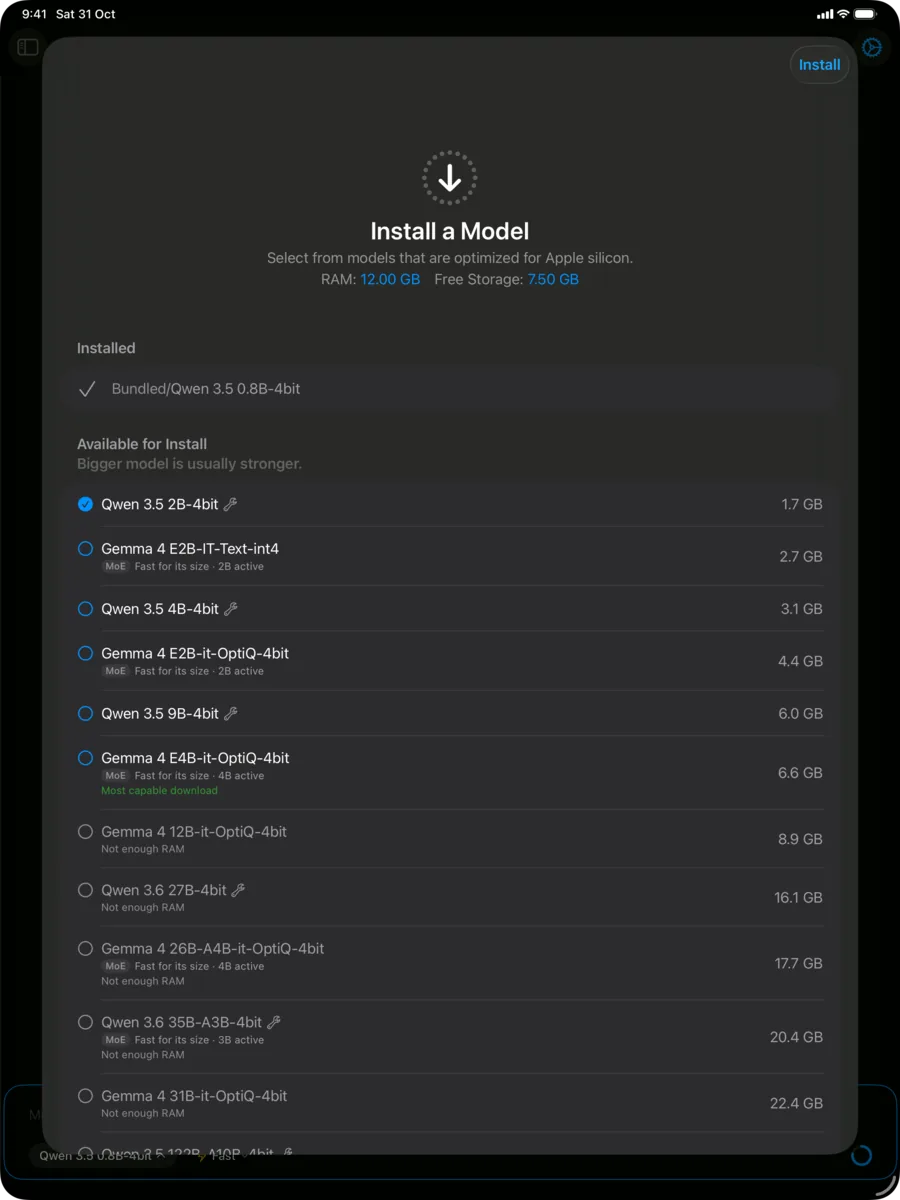
iPad
M1 or newer- RAM
- 8-16 GB
- Model budget
- 5-10.7 GB
- Largest model
- Gemma 4 12B on a 16 GB device
The model list is sorted by size and checks every row against the device's RAM. On a 12 GB iPad, Gemma 4 E4B is the largest that fits; Gemma 4 12B and everything above it is greyed out as Not enough RAM.
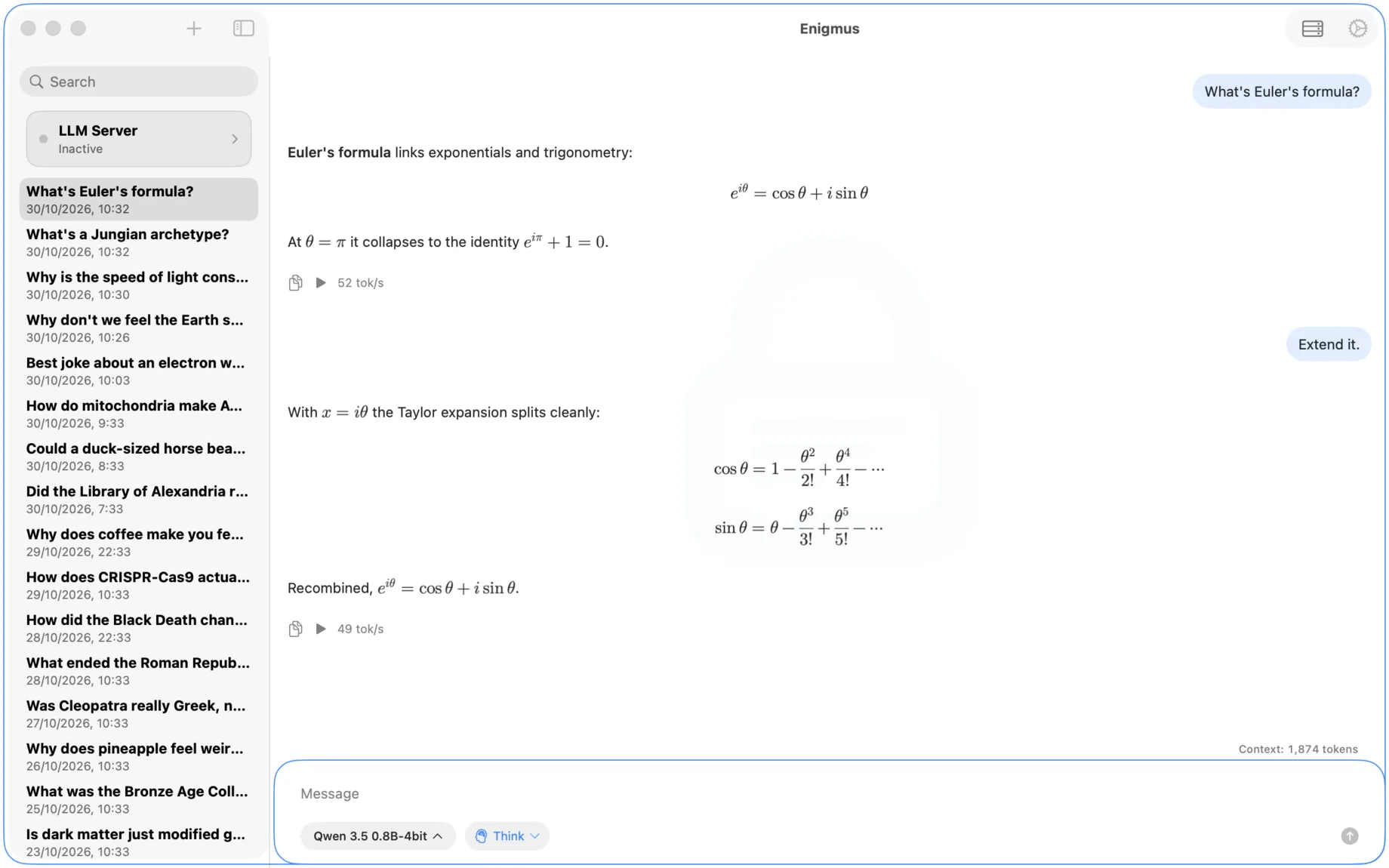
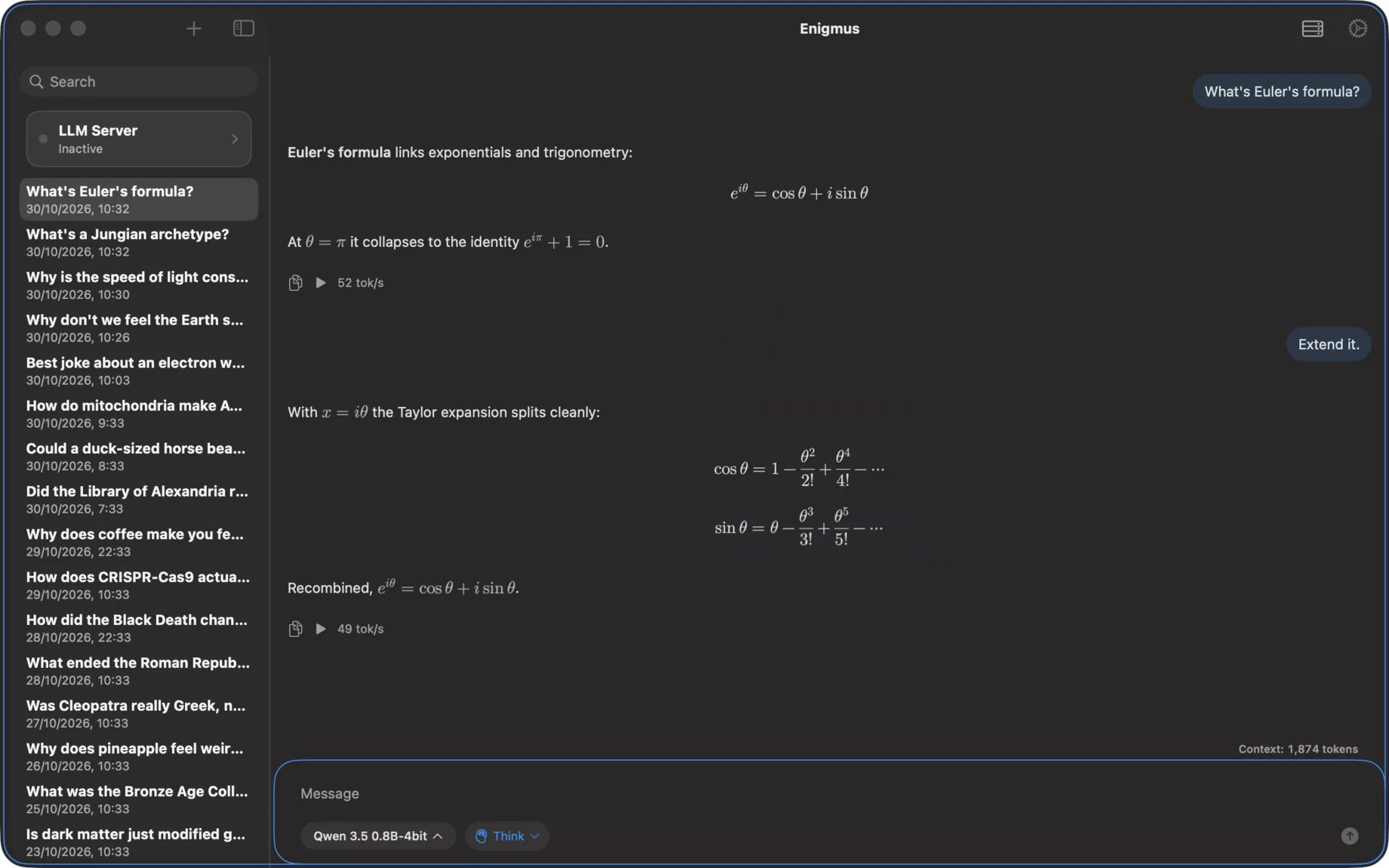
Mac
Apple silicon- RAM
- 8 GB and up
- Model budget
- 5 GB and up
- Largest model
- Qwen 3.5 122B-A10B on a 128 GB device
New chats think by default, since a Mac decodes fast enough to afford it. Every row from Qwen 3.6 27B up needs more memory than any iPhone or iPad has, so those sizes run only on a Mac.
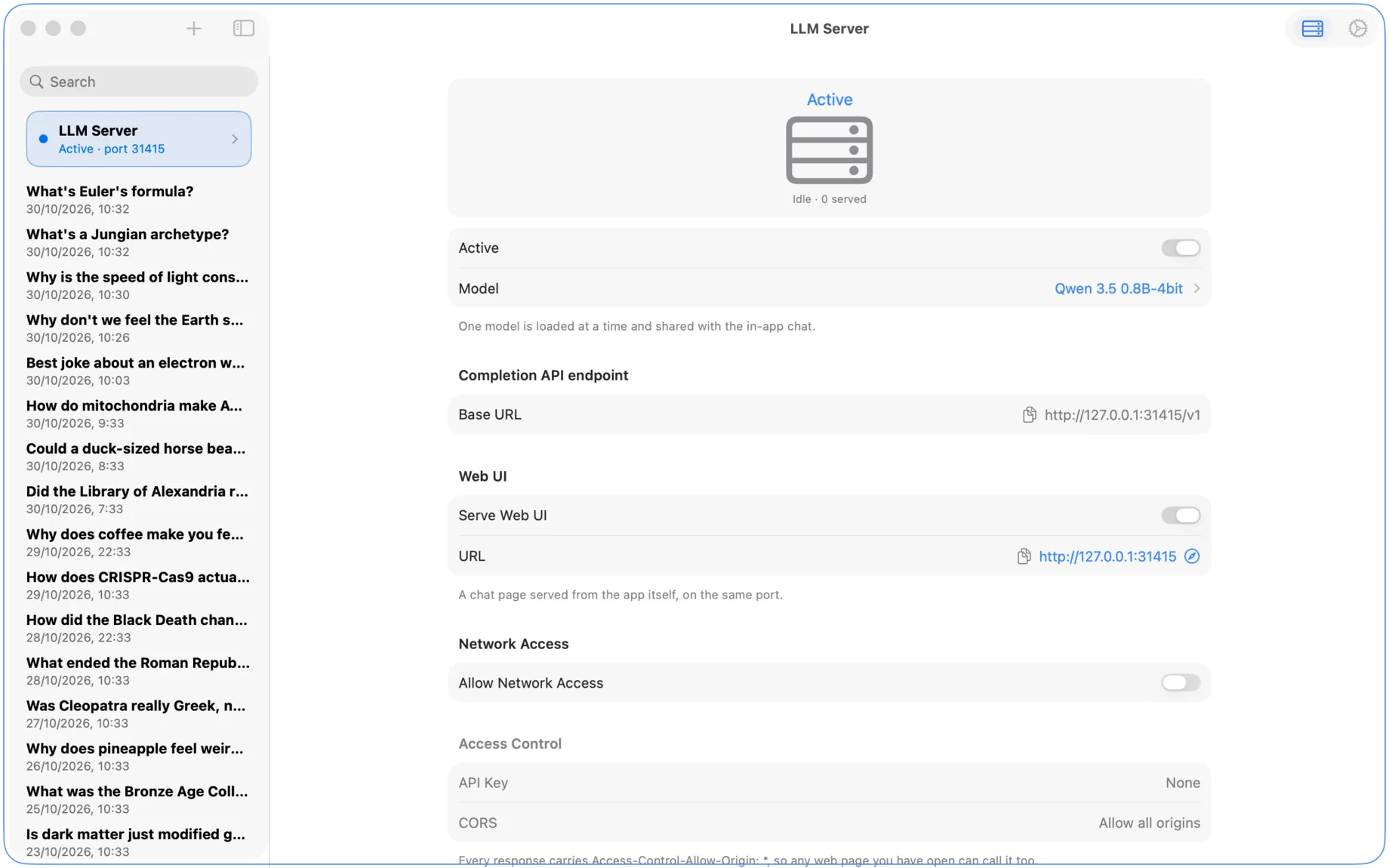
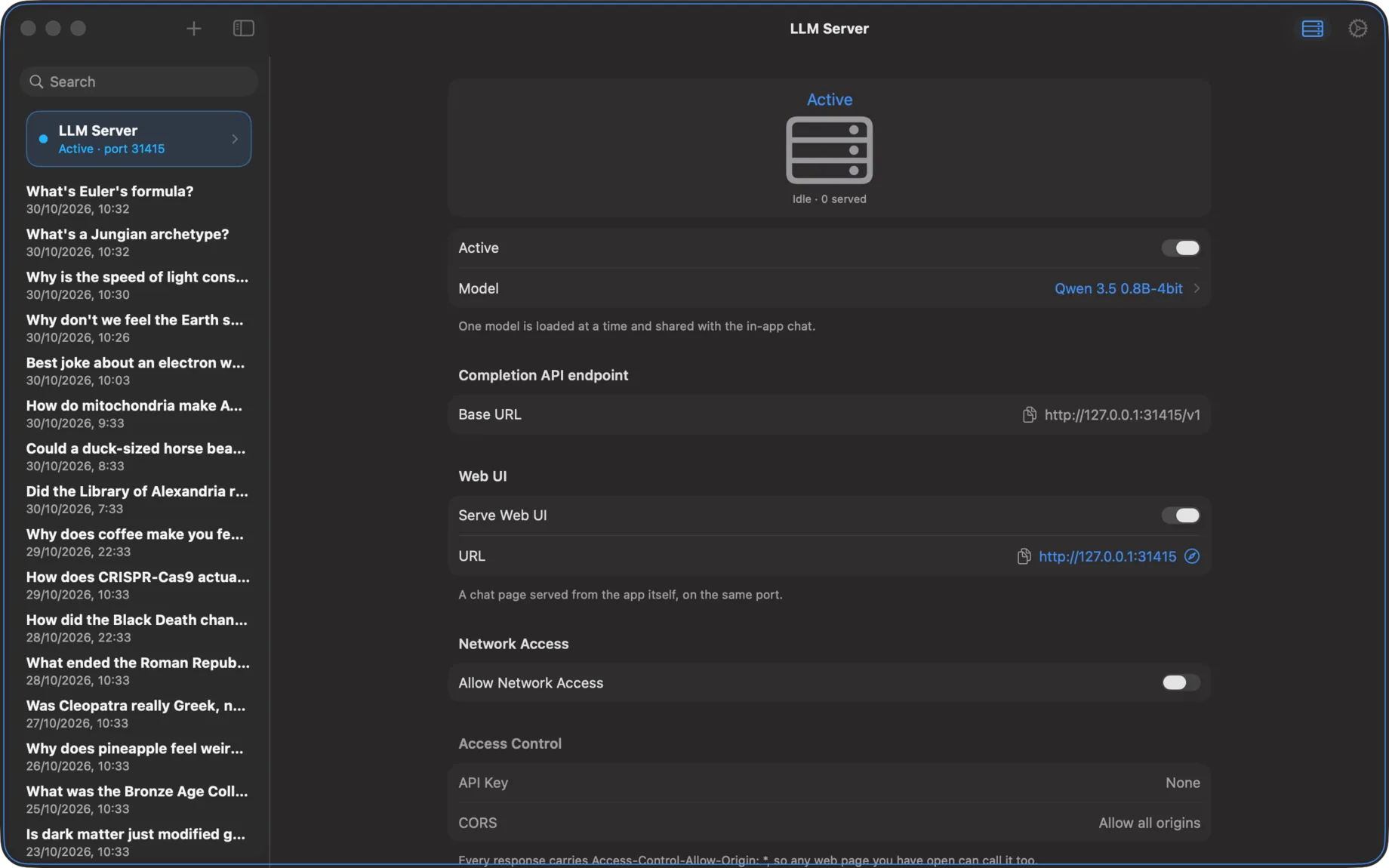
OpenAI-compatible API
LLM Server for macOS and iOS
Enigmus can serve the loaded model over an OpenAI-compatible API on the device itself. Scripts, coding agents and browsers send requests to a local address, the same MLX engine as the in-app chat generates the reply, and nothing passes through a cloud service. The server is off by default.
curl http://127.0.0.1:31415/v1/chat/completions \
  -H "Content-Type: application/json" \
  -d '{"model": "enigmus", "messages": [
{"role": "user", "content": "Hi"}]}'Same device
Clients
- Scripts and notebooks
- Coding agents
- Browser
Local network
Other devices
- Only with Allow Network Access
Enigmus
LLM Server
127.0.0.1:31415
- POST /v1/chat/completions
- GET /v1/models
- GET / - web chat
MLX
Loaded model
- One model at a time
- Shared with the in-app chat
- Runs on the same device
Every launch starts with the server off and bound to 127.0.0.1. Allow Network Access opens it to the local network, and the server has no password, so that is for trusted networks only. On iPhone and iPad, locking the screen or switching apps pauses it; on the Mac it keeps serving in the background.
Scripts and notebooks
The openai SDK works with its base URL set to the server. The model name enigmus always means the loaded model.
Coding agents
Tool calling is served on Qwen 3.5 2B and up and on Qwen 3.6, so agents built on the OpenAI chat API, opencode among them, run against a local model. Source code stays on the machine.
Browser chat
A web chat is served at / on the same port. Any browser that can reach the address gets a chat page with nothing to install; its conversations stay in that browser.
Mac as the model host
With Allow Network Access, an iPad or iPhone on the same network can use a model too large for its own memory, served from a Mac that stays out of idle sleep while serving.
Recent Posts
All posts ->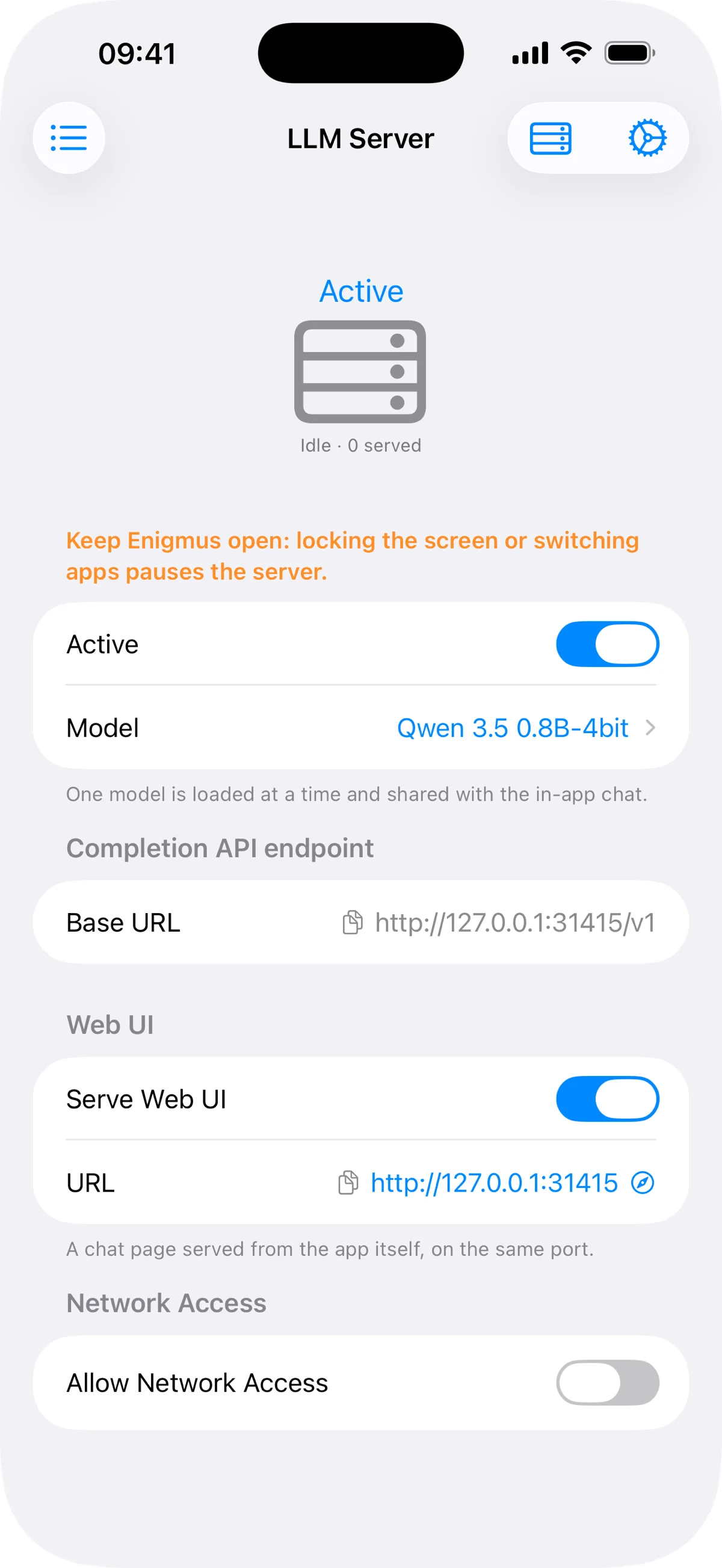
- 27 Sep 2026Enigmus 1.2, part 2: read-aloud, Gemma 4 thinking, and per-model samplingAIMLX
- 10 Sep 2026Enigmus 1.2: Qwen 3.5 and 3.6, and memory handling improvementsAIMLX
- 06 Aug 2026607 MB or 1,450 MB: what LiteRT-LM's memory number measuresLiteRT-LMMLXbenchmarks
- 30 Jul 2026Core AI: a first look at Apple's new on-device model runtimeCore AIMLXCLI
- 14 Jul 2026Enigmus 1.1.0: Gemma 4 on-device, and a compact text-only checkpointAIprivacy